Invoices
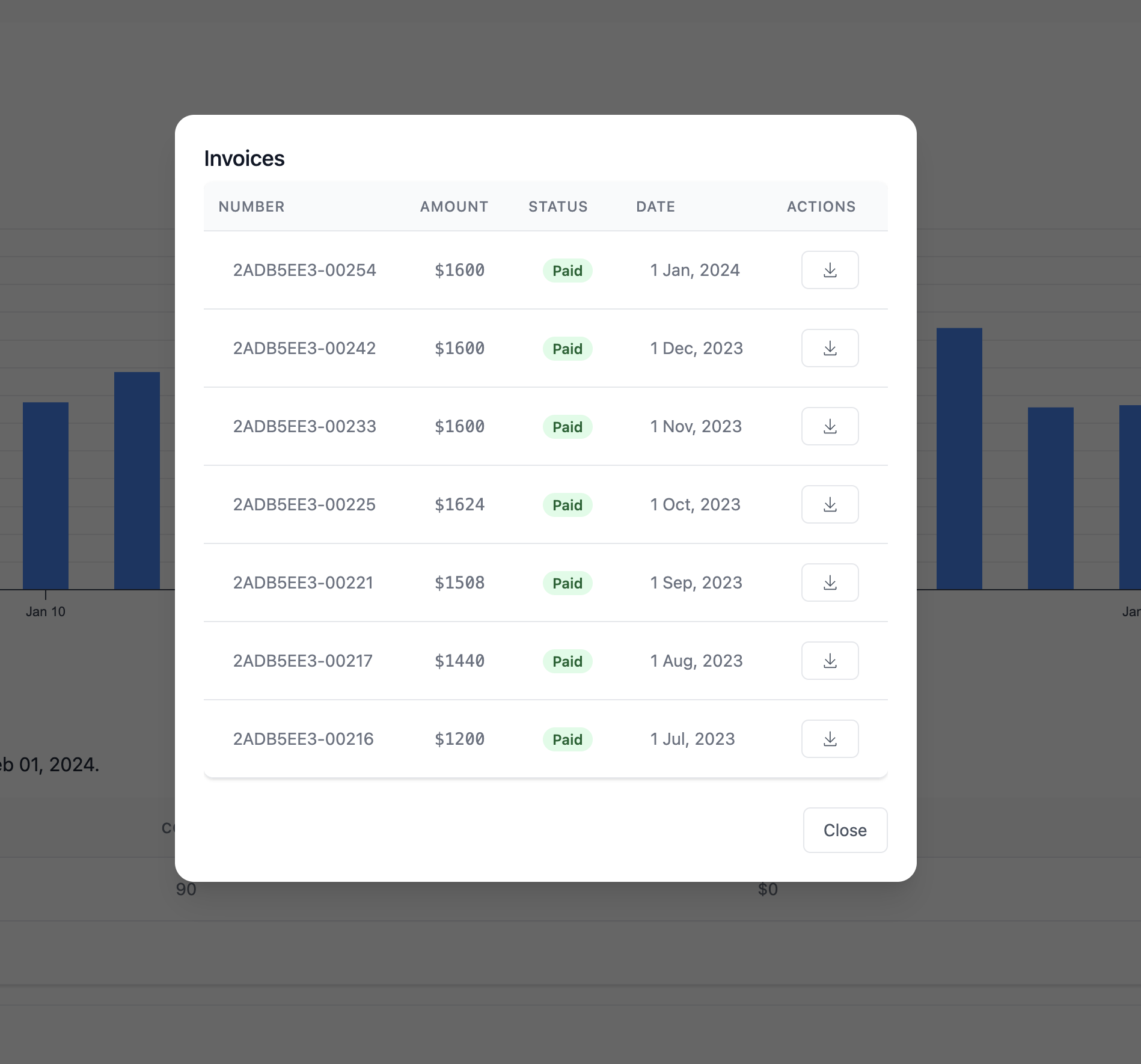
Learn how to access your past billed invoices.
Accessing Past Invoices
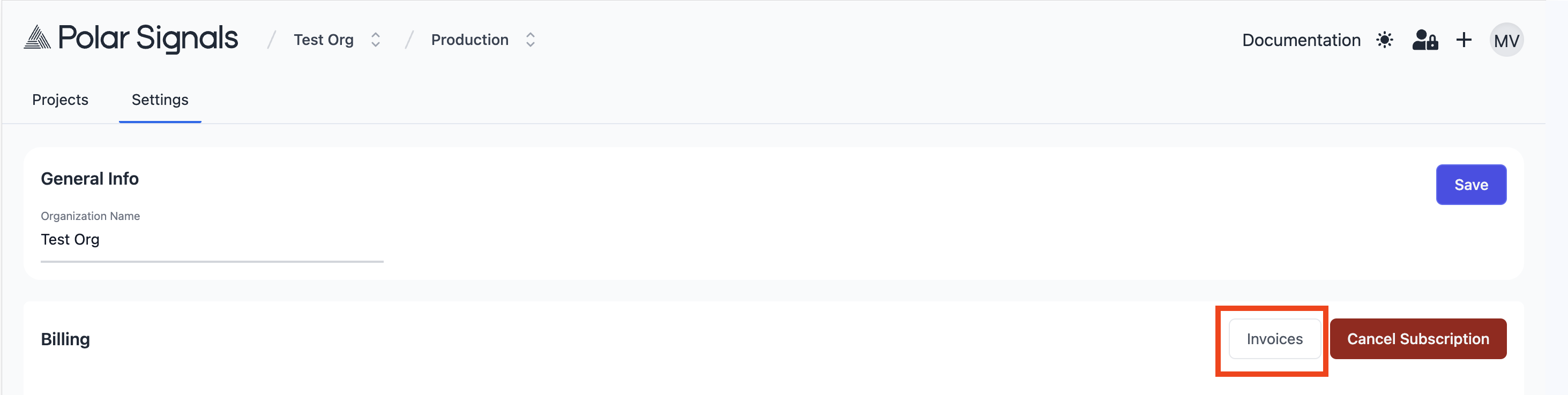
You can access your past invoices by going to the Organization Settings page and clicking on the "Invoices" button.
This will open a dialog that will show you all of your past invoices. You can click on the download icon to download a PDF copy of the invoice.